
In short
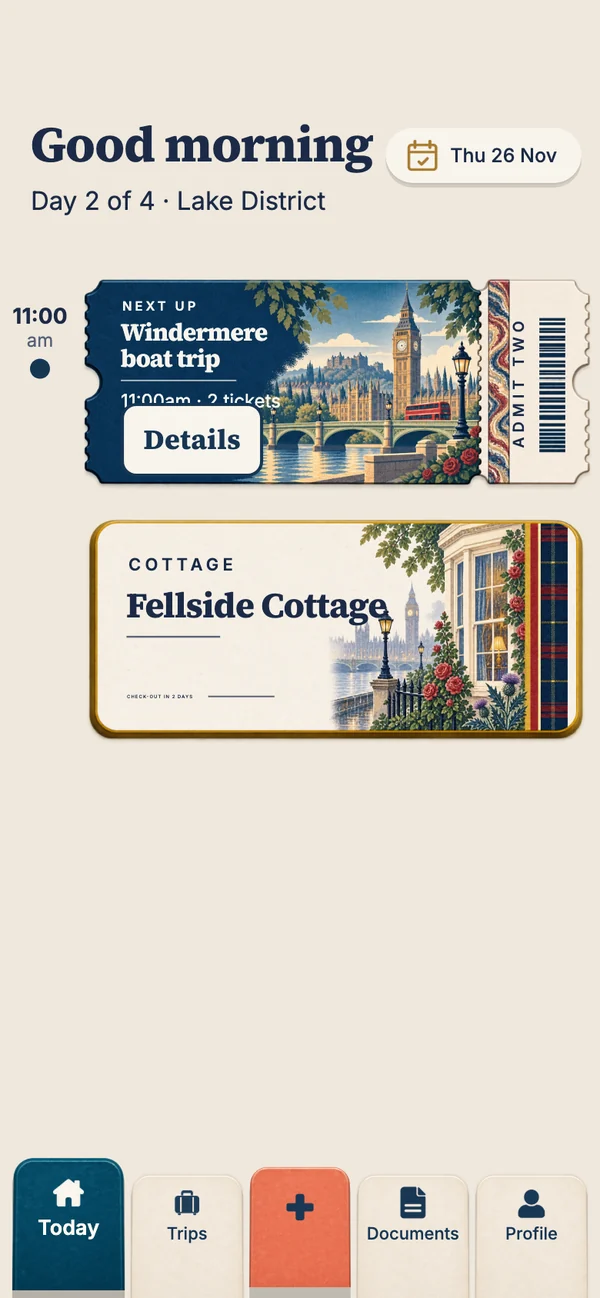
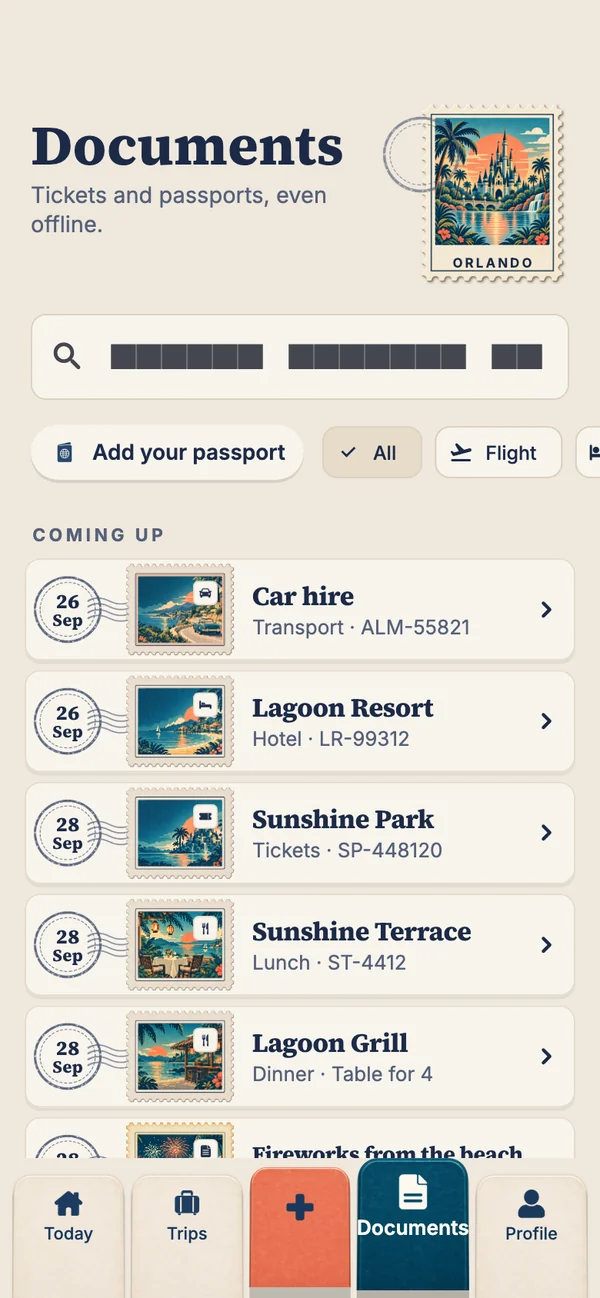
Travary is an itinerary app that works offline on every plan, free included. Your bookings and their tickets are stored on your phone, so Today's plan, each ticket and the whole trip open with no signal, in aeroplane mode or abroad without roaming. Changes you make offline are kept and synced when you're back online. It's coming soon to iPhone and Android.
Why offline matters more than anything else
The moments you need your itinerary are the moments signal disappears: the airport gate, a train in a tunnel, the ferry, the queue for the park, the first hour in a new country before your roaming kicks in. An itinerary that lives in the cloud, or a ticket that's only a link in an email, fails exactly then.
Many travel apps put offline access behind a subscription. Travary doesn't: it's how the app works, on every plan.
What works with no signal
| Offline | Needs a connection |
|---|---|
| Today's plan, the time rail and the next ticket | Smart Import (reading a screenshot or PDF) |
| Every trip, every day and the trip calendar | Syncing changes with the people on a shared trip |
| Every ticket and booking in the Documents tab | Downloading a family member's newly added ticket |
| Your travel documents, behind Face ID | Signing in on a new phone |
| Adding and editing bookings (they sync later) | Destination art for a place you haven't been before |
How to make sure your trip is ready offline
- Add the tickets, not just the details
Attach the PDF, screenshot or boarding pass to each booking. The file is stored on your phone with it.
- Open the trip once before you leave
On a shared trip, opening it with signal downloads the tickets the others added.
- Test it
Turn on aeroplane mode and open today's plan and a ticket. If it opens now, it'll open at the gate.
- Keep boarding passes in your wallet too
Airlines' own passes in Apple Wallet or Google Wallet also work offline, and are a good backup. More in do I need to print my boarding pass?
Early access
Get the itinerary that works with no signal
Leave your email and we'll send you the download link the day Travary is out on the App Store and Google Play.
You're on the list
See you on launch day.
We'll email you the day Travary arrives on the App Store and Google Play.
Times that don't shift when you land
Offline isn't the only thing that goes wrong abroad. When your phone switches time zone, calendar apps move your events, and a 7:30pm dinner can suddenly read 6:30pm. Travary keeps every time exactly as printed on the ticket, in the local time where it happens, with no time zone attached, so the plan and the clock agree when you arrive. (Why flight times work this way.)
What Travary doesn't do offline
Travary doesn't include maps. For getting around without data, download the area in Google Maps or another offline map app before you go, and keep Travary for the plan and the tickets.
Questions people ask
Is there an itinerary app that works offline for free?
Yes. Travary keeps your itinerary and tickets on your phone on every plan, including free, so they open with no signal.
Can I add bookings to Travary without internet?
Yes. Bookings you add or change offline are saved on your phone and synced when you're back online. Smart Import, which reads a screenshot or PDF, needs a connection.
Will my tickets open in aeroplane mode?
Yes, if they're attached to their bookings. Tickets are stored on your phone. On a shared trip, open the trip once with signal so the others' tickets download too.
Does Travary have offline maps?
No. Travary holds your plan and tickets; for maps without data, download the area in an offline map app before you travel.