
In short
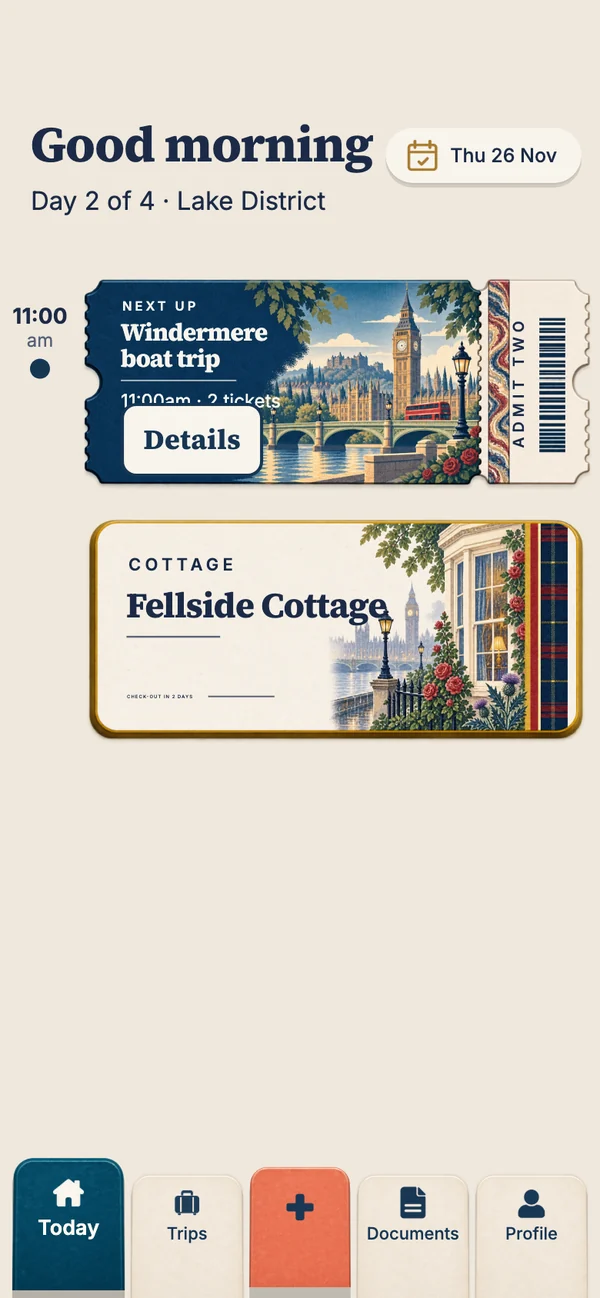
TripIt is the better choice if you travel a lot for work: it builds your itinerary from forwarded booking emails, and its paid Pro plan adds real-time flight alerts. Travary is the better choice for holidays, especially with family: it's built around each day of the trip, with a Today screen, a countdown, gaps spotted for you, tickets offline and sharing on iPhone and Android, and it doesn't need access to your email.
Disclosure: we make Travary. Everything about TripIt here comes from its own listings and independent reviews, checked in October 2026; check TripIt's site for current features and prices.
Side by side
| TripIt | Travary | |
|---|---|---|
| Built for | Frequent and business travellers | Holidays, families and small groups |
| How bookings get in | Forward confirmation emails, or connect your inbox | Type them in, or pick a screenshot or PDF to read; no email access |
| What you see on the day | A chronological itinerary | Today: the day's plan on a time rail, the next ticket ready |
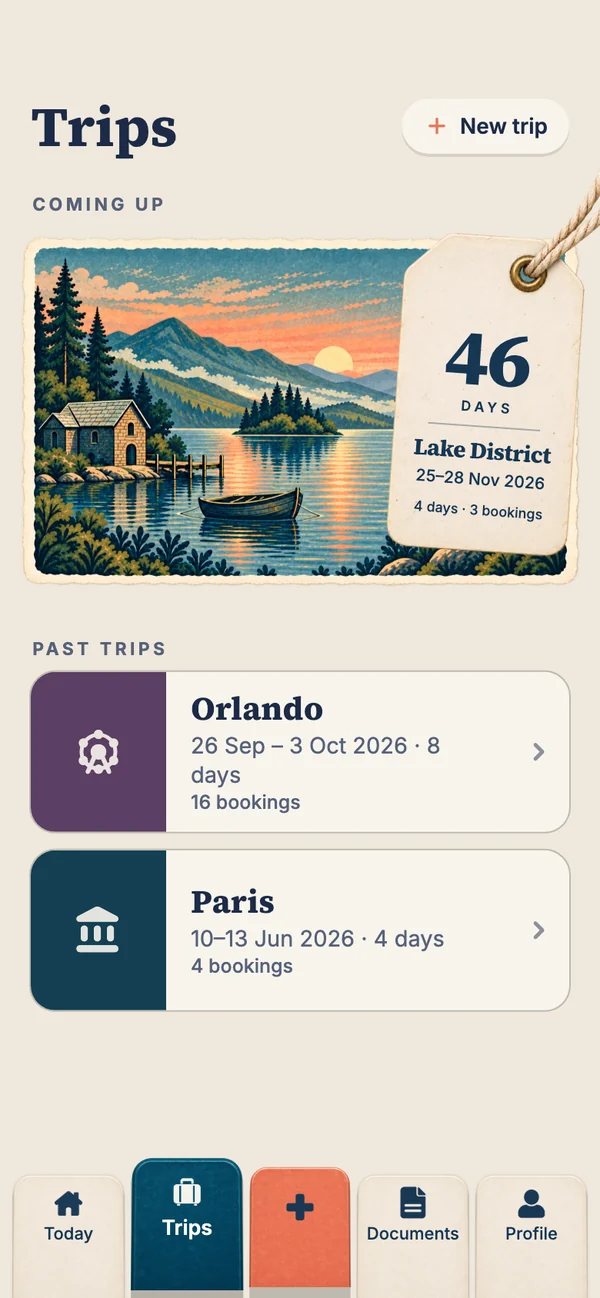
| Before the trip | The itinerary | A countdown postcard, gaps spotted, a "Before you go" list |
| Offline | Yes | Yes, on every plan |
| Sharing | Share a trip with others | Up to six people on a trip, each adding their own bookings (with a pass) |
| Flight alerts | Yes, with Pro | Not yet |
| Passports | Document uploads | Kept on your phone only, behind Face ID, checked against the trip |
| Price | Free; Pro about US$49 a year | Free; Holiday Pass $14.99 once, or Annual Pass $34.99 a year |
Choose TripIt if…
- You fly often for work and want flight delay and gate alerts.
- Your bookings all arrive by email and you're happy to forward them.
- You track loyalty points and want them in the same app.
Choose Travary if…
- It's a holiday, and you want each day laid out, not just a list of reservations.
- You're organising for a family or group, on a mix of iPhones and Android phones.
- You'd rather not give an app your email: add a booking from a screenshot or PDF instead.
- You want the countdown, the trip's gaps spotted, and a checklist for the jobs that aren't bookings.
- You want passports kept privately on your phone, not uploaded anywhere.
Early access
Try Travary on your next holiday
We'll email you the download link the day Travary lands on the App Store and Google Play.
You're on the list
See you on launch day.
We'll email you the day Travary arrives on the App Store and Google Play.
Can you use both?
Yes, and some people will. A frequent flyer might keep TripIt for its flight alerts on work trips and use Travary for family holidays, where the day-by-day plan and sharing with the family matter more than the flights. For the full field, see TripIt alternatives and the best itinerary apps.
Questions people ask
Is Travary better than TripIt?
For holidays and family trips, Travary is built around each day of the trip and shares with family on iPhone and Android. For frequent business travel, TripIt's email import and Pro flight alerts are hard to beat.
Does Travary need access to my email like TripIt?
No. You add bookings yourself, or pick a screenshot or PDF of the confirmation for Smart Import to read.
Is TripIt free?
TripIt has a free version; TripIt Pro costs about US$49 a year and adds flight alerts and other extras. Check TripIt's site for current prices.
Does Travary have flight alerts?
Not yet. Travary keeps your flights in the day's plan with their times as printed and the boarding pass ready.